27 pulgadas · 5K · 218 PPP para Mac
El monitor 5K para Mac: preciso o rápido.
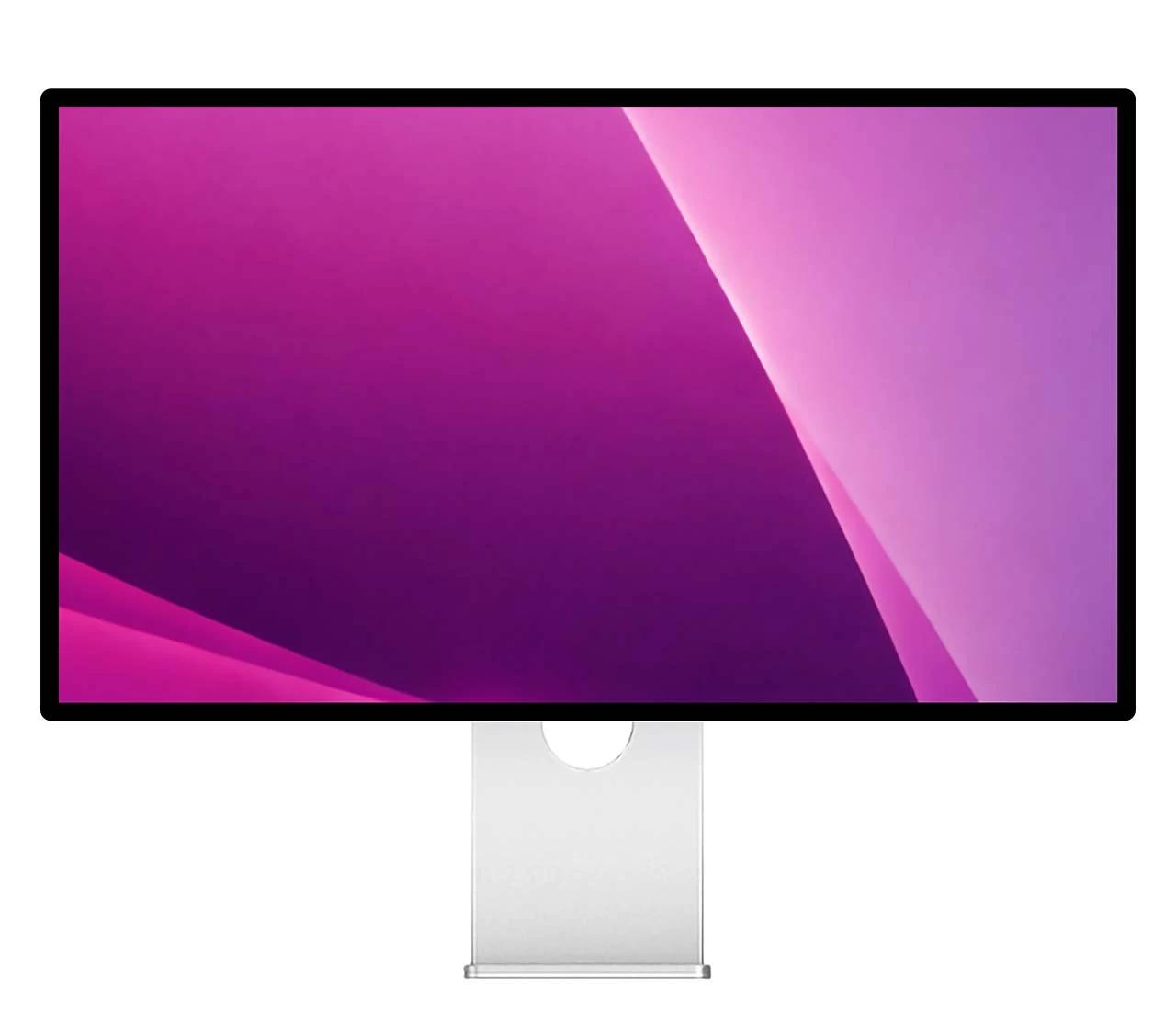
El G27P y el P27Z comparten el mismo panel 5K de 27 pulgadas a 218 PPP, con densidad de píxeles HiDPI real. Se separan en las prioridades: precisión de color a 75 Hz o un panel de modo dual a 180 Hz creado para el movimiento rápido.
¿Quieres más espacio en pantalla? Compara los G32P y G32X de 32 pulgadas y 6K →
¿Qué las diferencia?
El G27P se mantiene en unos estables 75 Hz, priorizando la precisión de color por encima de la frecuencia. El P27Z está creado para el movimiento: 5K nativo a 180 Hz o un modo de 2560 × 1440 a 330 Hz con 1 ms de respuesta para el juego competitivo.
El mayor contraste del G27P aporta a la fotografía y el vídeo unos negros más profundos y ricos. El P27Z sacrifica algo de contraste a cambio de pura velocidad.
Ambos cubren el mismo amplio espacio P3 y sRGB. La diferencia está en la profundidad: el G27P utiliza un panel nativo de 10 bits para gradientes más suaves y un color más preciso, mientras que el P27Z alcanza los 10 bits mediante tramado FRC.
El mismo 5K. Dos prioridades.
Ambos muestran 5K nativo en macOS a 218 PPP. Elige el que se ajuste a tu trabajo: precisión de color o velocidad.
2000:1 · 10 bits nativos
Mayor contraste y un panel P3 brillante nativo de 10 bits, para diseño, fotografía y etalonaje donde el color es crítico y la fluidez no es la prioridad.
- Color nativo de 10 bits
- Contraste 2000:1
- Amplia gama P3
- Frecuencia de 75 Hz
Modo dual a 180 Hz
Alterna entre 5K a 180 Hz y 1440p a 330 Hz, 1 ms: juego rápido sin renunciar a la nitidez HiDPI del 5K.
- 5K a 180 Hz
- 1440p a 330 Hz
- Respuesta de 1 ms GtG
- USB-C · DP 2.1 · 100 W PD
Por qué 5K en un Mac
218 PPP: densidad HiDPI real
La misma densidad de píxeles que las pantallas integradas de Mac de Apple, así que macOS escala la interfaz para que quede nítida como una cuchilla a resolución nativa.
5K HiDPI nativo
5120 × 2880: macOS lo escala a la perfección. Más nítido que cualquier 4K, que obliga a un escalado fraccionario borroso.
Un solo cable lo hace todo
Un solo cable USB-C transporta la señal 5K y hasta 100 W de carga para el portátil, sin un adaptador de corriente aparte para tu Mac.
Compatible con tu Mac
5K nativo por USB-C: conéctalo al puerto Thunderbolt o USB-C de cualquier Mac con M1 o posterior; el P27Z alcanza los 165 Hz en un Mac con M4 o posterior y los 180 Hz con una GPU de PC de gama alta. MacBook Neo: una pantalla externa de hasta 4K a 60 Hz (puerto USB-C izquierdo), así que los muestra por debajo de su 5K nativo.
Especificaciones completas, una al lado de la otra
4 de las 10 especificaciones difieren: mismo panel 5K, acabado brillante, chasis y puertos; se separan en velocidad, contraste y color.
Preguntas frecuentes
¿Es el Kuycon G27P un auténtico monitor 5K para Mac?
¿El P27Z funciona realmente a 5K y 180 Hz?
G27P vs P27Z: ¿qué 5K debería elegir?
¿Por qué importan los 218 PPP en un Mac?
¿Funciona con MacBook Pro, Mac mini y Mac Studio?
¿Puede cargar mi portátil con un solo cable?
Por qué kuycon.us es el mejor
lugar para comprar monitores Kuycon.
Distribuidor autorizado en
los Estados Unidos.
kuycon.us es el distribuidor oficial de Kuycon en los Estados Unidos. Compra con confianza desde una fuente fiable.

Cobertura de garantía
completa.
Cobertura de garantía integral para todos los productos comprados directamente con nosotros. Aseguramos una experiencia sin complicaciones.

Inspección de calidad
adicional.
Cada pedido pasa por una inspección de calidad adicional antes del envío para garantizar la mejor experiencia posible.

Expertos en monitores
a tu servicio.
Nuestro equipo está formado por especialistas en monitores que pueden ayudarte a elegir la pantalla perfecta para tus necesidades.

Enviamos a donde
lo necesites.
Envío rápido a todo el mundo a través de los transportistas más confiables. Embalaje seguro garantizado.

Múltiples formas
de comprar.
Aceptamos pagos en múltiples monedas y diversos métodos de pago seguros. Contáctanos para más información.

Igualación de precio
disponible.
¿Encontraste un precio más bajo en otro lugar? Contáctanos y verificaremos si podemos igualarlo.