27-inch · 5K · 218 PPI for Mac
The 5K monitor for Mac — precise or fast.
G27P and P27Z share the same 27-inch 5K panel at 218 PPI — true HiDPI on macOS. They split on priorities: colour precision at 75 Hz, or a 180 Hz dual-mode panel built for fast motion.
Want more screen real estate? Compare the 32-inch 6K G32P and G32X →
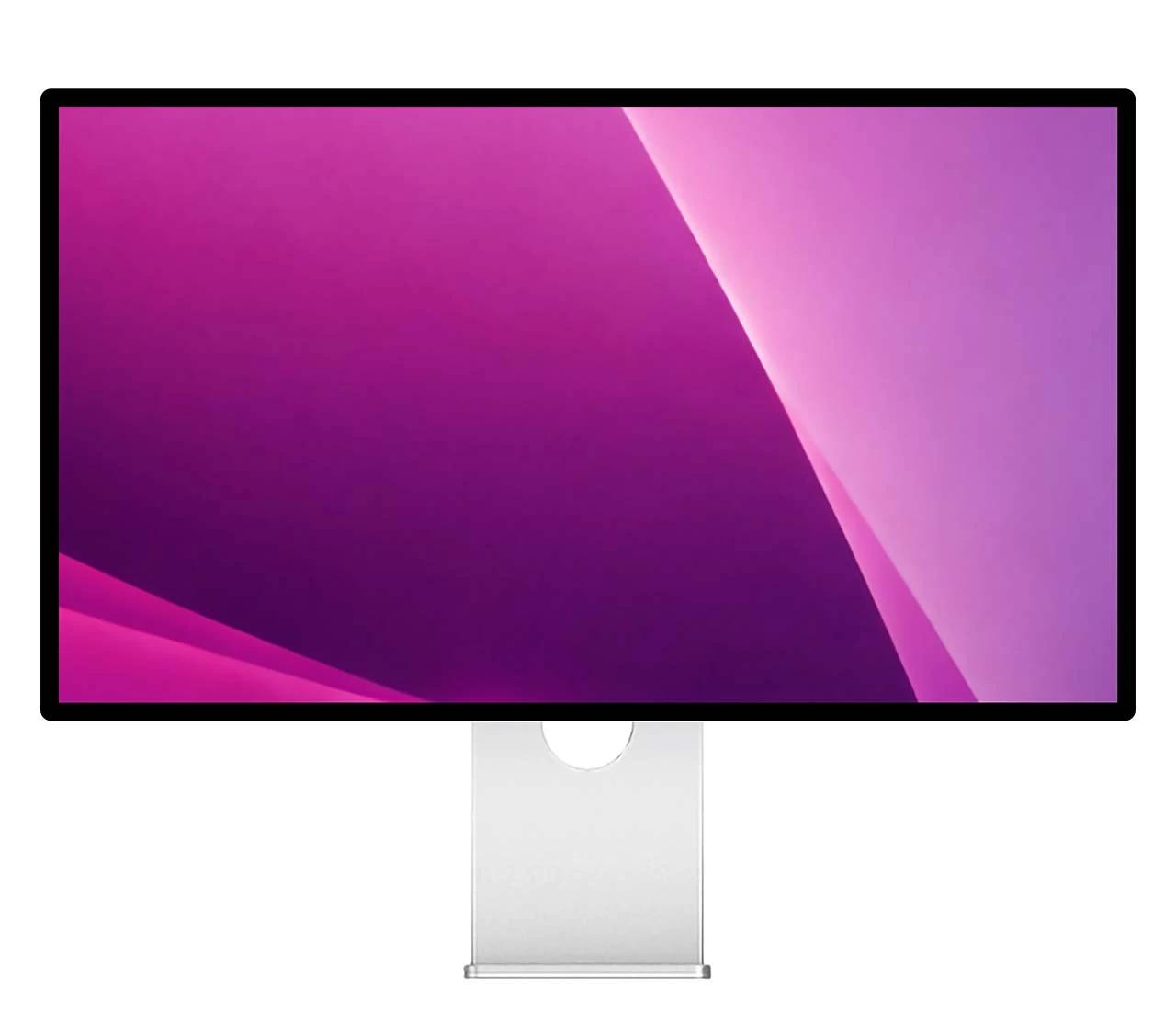
What's different?
The G27P stays at a steady 75 Hz, putting its focus on colour precision rather than refresh. The P27Z is built for motion: native 5K at 180 Hz, or a 2560 × 1440 mode at 330 Hz with 1 ms response for competitive play.
The G27P’s higher contrast gives photo and film deeper, richer blacks. The P27Z trades a little contrast for raw speed.
Both cover the same wide P3 and sRGB space. The difference is depth: the G27P drives a native 10-bit panel for smoother gradients and more precise colour, while the P27Z reaches 10-bit through FRC dithering.
Same 5K. Two priorities.
Both render native 5K on macOS at 218 PPI. Pick the one that matches your work — colour precision, or speed.
2000:1 · native 10-bit
Higher contrast and a native 10-bit glossy P3 panel — for colour-critical design, photo and grading, where smoothness isn’t the priority.
- Native 10-bit colour
- 2000:1 contrast
- Wide P3 gamut
- 75 Hz refresh
180 Hz dual-mode
Switch between 5K at 180 Hz and 1440p at 330 Hz, 1 ms — fast play without giving up 5K HiDPI sharpness.
- 5K at 180 Hz
- 1440p at 330 Hz
- 1 ms GtG response
- USB-C · DP 2.1 · 100 W PD
Why 5K on a Mac
218 PPI — true HiDPI density
The same pixel density as Apple’s built-in Mac displays, so macOS scales the interface to land razor-sharp at native resolution.
Native 5K HiDPI
5120 × 2880 — macOS scales it perfectly. Sharper than any 4K, which forces blurry fractional scaling.
One cable does it all
A single USB-C cable carries the 5K signal and up to 100 W of laptop charging — no separate power brick for your Mac.
Works with your Mac
Native 5K over USB-C — plug into the Thunderbolt or USB-C port of any Mac with M1 or later; the P27Z reaches 165 Hz on a Mac with M4 or later and 180 Hz on a high-end PC GPU. MacBook Neo: one external display up to 4K at 60 Hz (left USB-C port), so it runs these below native 5K.
Full specs, side by side
4 of 10 specs differ — same 5K panel, glossy finish, body and ports; they part ways on speed, contrast and colour.
Frequently asked questions
Is the Kuycon G27P a true 5K monitor for Mac?
Does the P27Z really run 5K at 180 Hz?
G27P vs P27Z — which 5K should I pick?
Why does 218 PPI matter on a Mac?
Does it work with MacBook Pro, Mac mini and Mac Studio?
Can it charge my laptop over a single cable?
Why kuycon.us is the best
place to buy Kuycon monitors.
Authorized in
the United States.
kuycon.us is the official Kuycon dealer in the United States. Buy with confidence from a trusted source.

Full warranty
coverage.
Comprehensive warranty coverage for all products bought directly from us. We ensure a hassle-free experience.

Extra quality
check.
Every order undergoes additional quality inspection before shipping to ensure the best possible experience.

Monitor experts
at your service.
Our team consists of monitor specialists who can help you choose the perfect display for your needs.

Ships everywhere
you need.
Fast shipping across the globe via only the most trusted carriers. Secure packaging guaranteed.

Multiple ways
to buy.
We support payments in multiple currencies and various secure payment methods. Contact us for more information.

Price match
available.
Found a lower price elsewhere? Contact us and we'll check if we can match it.