21:9 · Ultrawide
The ultrawide monitor — sharp, big, or affordable.
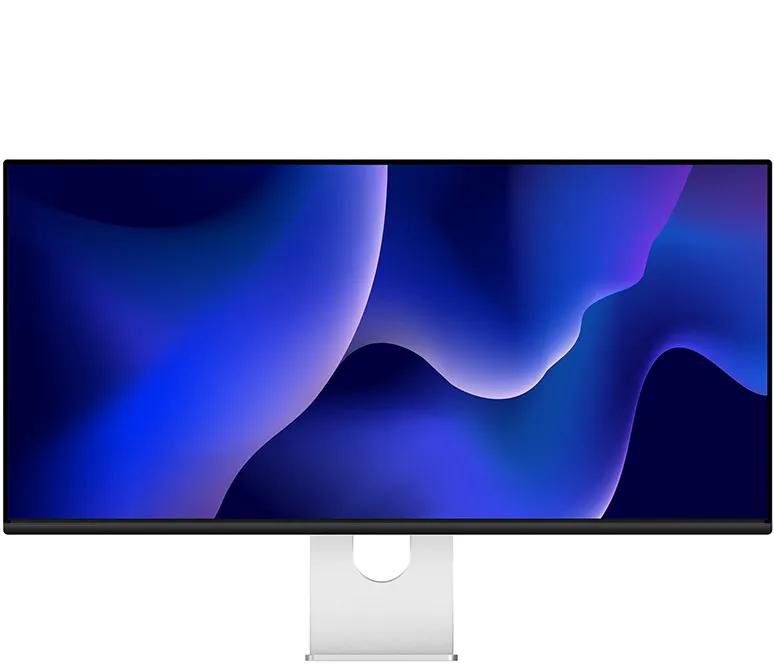
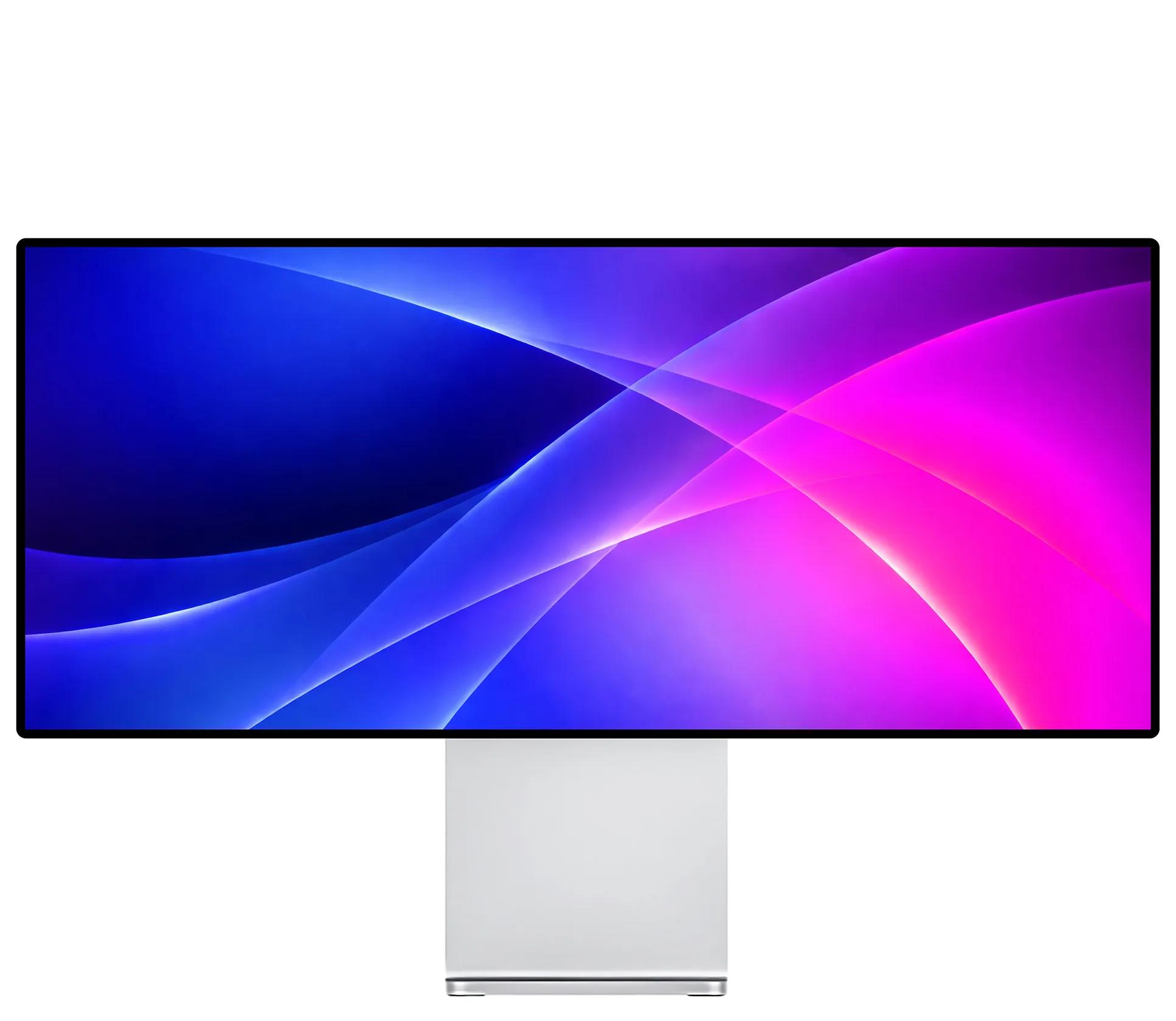
Three 21:9 ultrawides: the W34KB a 34-inch 5K2K with dual-mode 180–360 Hz, the P40K a 40-inch 5K2K canvas, the Q34W a fast 34-inch UWQHD. Built for width — they connect to a Mac over USB-C, but at 163/139/109 PPI they are not the 218-PPI HiDPI class of our 5K and 6K.
Prefer 16:9? Compare the 4K lineup — P27D, P32K and Q32S →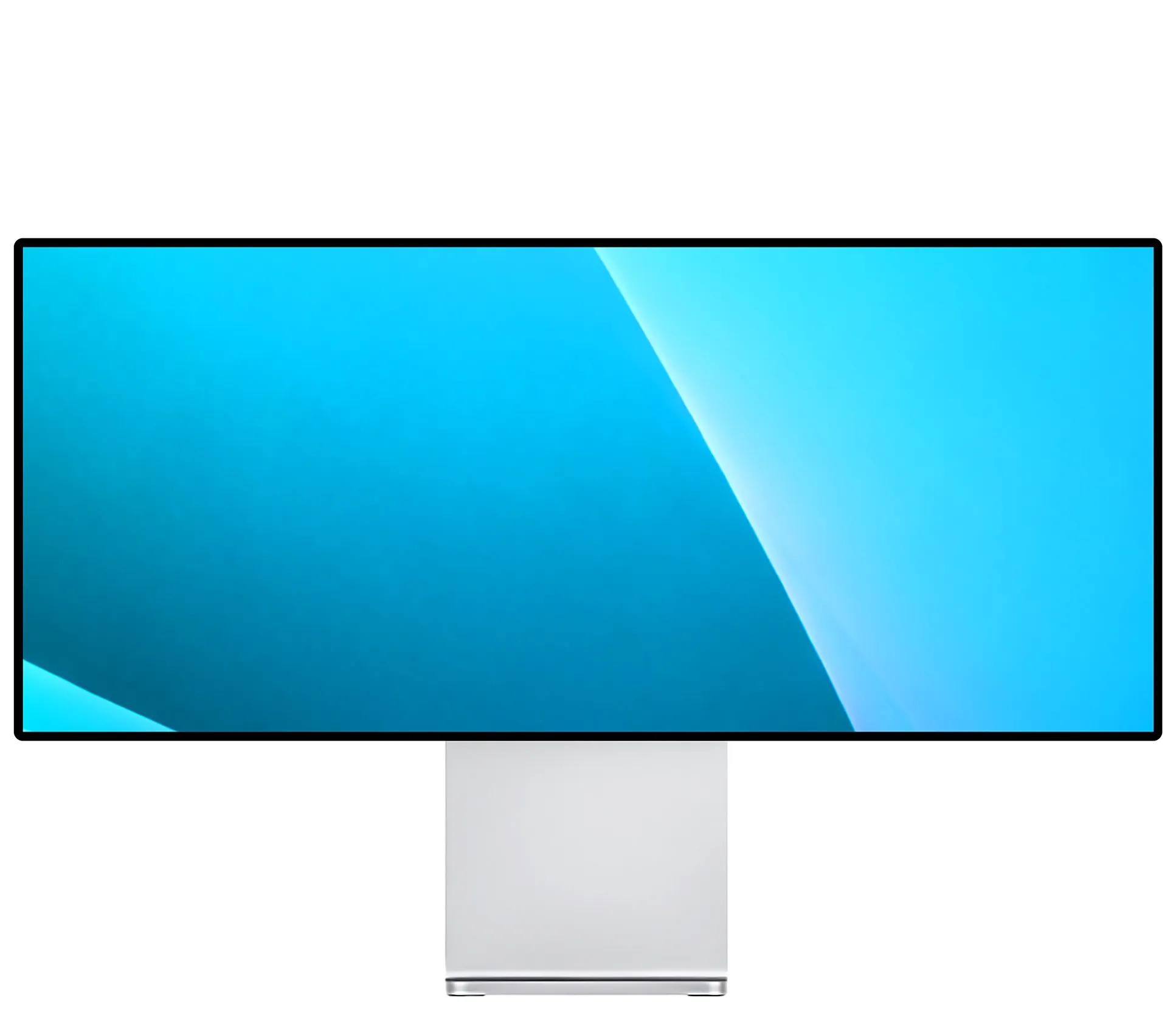
Why ultrawide
One screen instead of two
A 21:9 ultrawide replaces a dual-monitor setup — all the width, none of the bezel seam down the middle.
Built for wide work
Extra horizontal room for video timelines, wide spreadsheets and side-by-side windows.
Using a Mac?
All three run over USB-C with 100 W charging; the W34KB adds a 40 Gbps port compatible with Thunderbolt 4/5 and an M-BOOK mode. At 163/139/109 PPI they are not true HiDPI — for native 218-PPI sharpness, see the 5K and 6K.
Works with your Mac
21:9 ultrawide over USB-C, DisplayPort or HDMI — plug straight into the Thunderbolt or USB-C port on your Mac. Windows and Linux on capable GPUs too.
Full specs, side by side
Same 21:9 ultrawide format, three characters: the W34KB is the sharpest and fastest 34-inch, the P40K the biggest canvas, the Q34W the most affordable.
Frequently asked questions
Do these ultrawide monitors work with a Mac?
W34KB vs P40K vs Q34W — which ultrawide should I pick?
What is 5K2K and UWQHD?
What is the W34KB’s dual-mode refresh?
Can an ultrawide charge my laptop over one cable?
Why kuycon.us is the best
place to buy Kuycon monitors.
Authorized in
the United States.
kuycon.us is the official Kuycon dealer in the United States. Buy with confidence from a trusted source.

Full warranty
coverage.
Comprehensive warranty coverage for all products bought directly from us. We ensure a hassle-free experience.

Extra quality
check.
Every order undergoes additional quality inspection before shipping to ensure the best possible experience.

Monitor experts
at your service.
Our team consists of monitor specialists who can help you choose the perfect display for your needs.

Ships everywhere
you need.
Fast shipping across the globe via only the most trusted carriers. Secure packaging guaranteed.

Multiple ways
to buy.
We support payments in multiple currencies and various secure payment methods. Contact us for more information.

Price match
available.
Found a lower price elsewhere? Contact us and we'll check if we can match it.