Temporarily Unavailable
The Kuycon G27X SE is temporarily unavailable in this store. We recommend the G27P — available now.
Kuycon G27X SE
G27X SE

Kuycon G27X SE
$799
Stand already in the box.
One display to rule them all
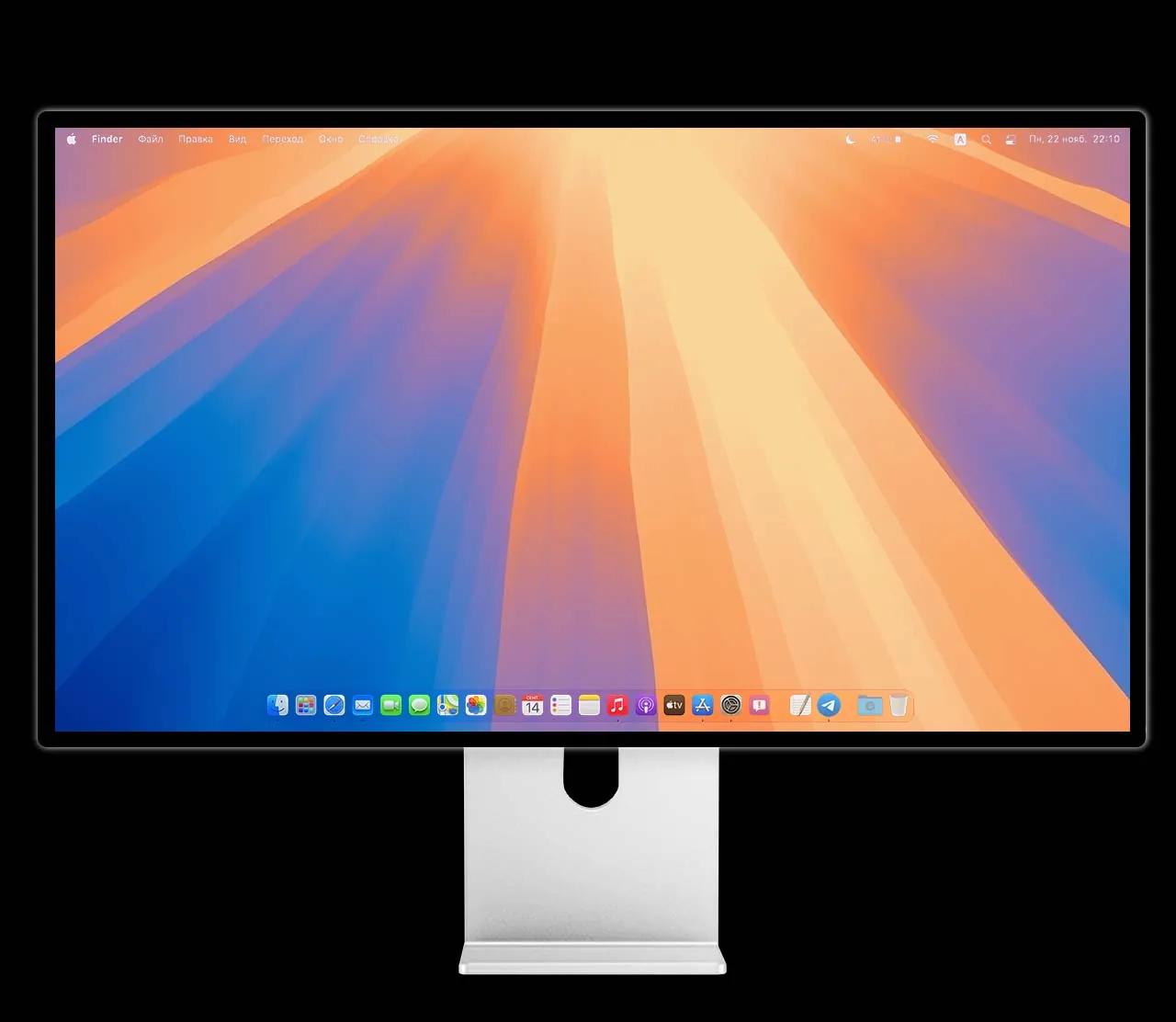
macOS
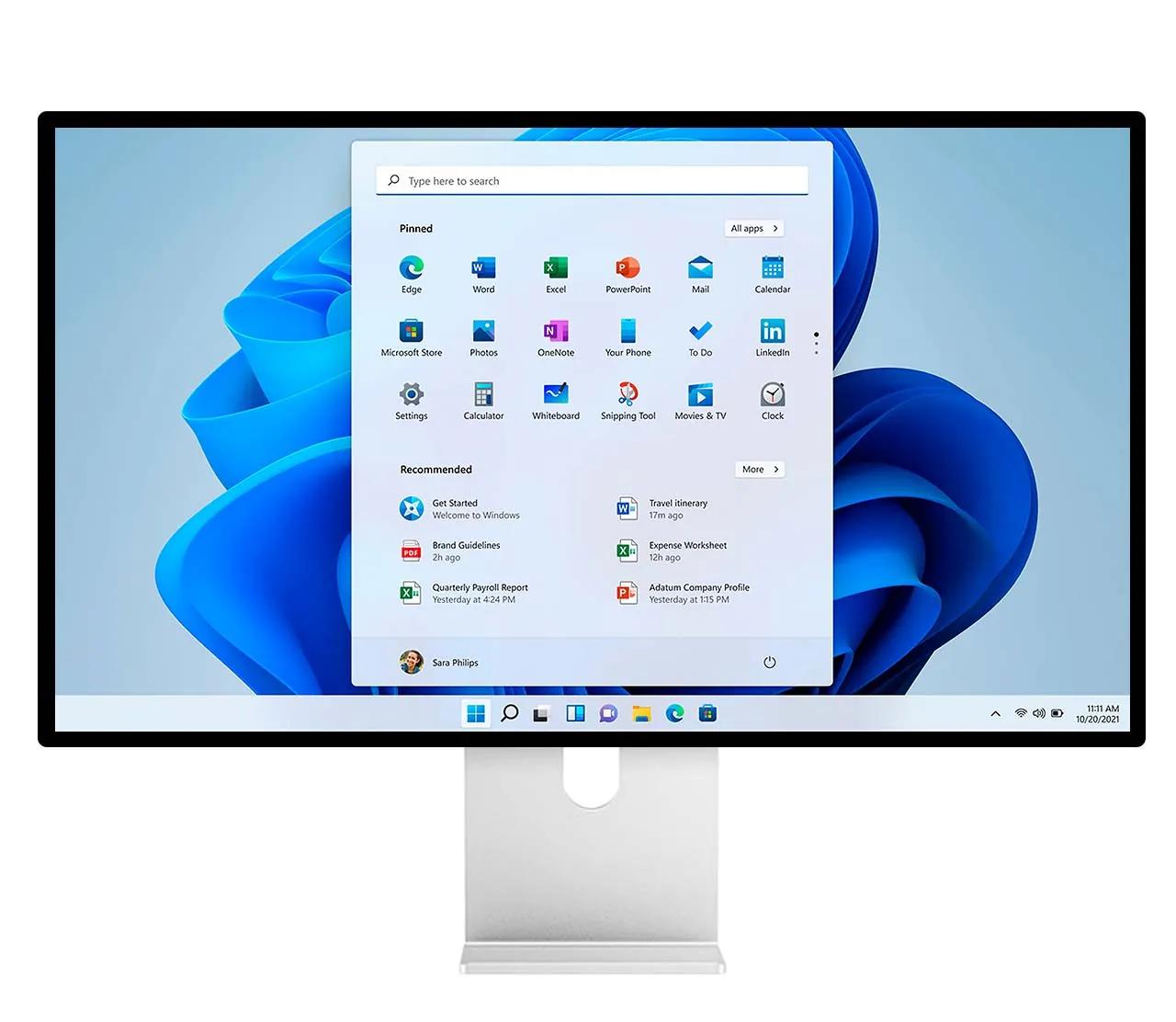
Windows

Linux
Thanks to a variety of connections, including USB-C, HDMI, and DisplayPort, G27X SE supports all major operating systems and gaming platforms PlayStation, Xbox, and Nintendo Switch. All you need is to connect the cable and enjoy.
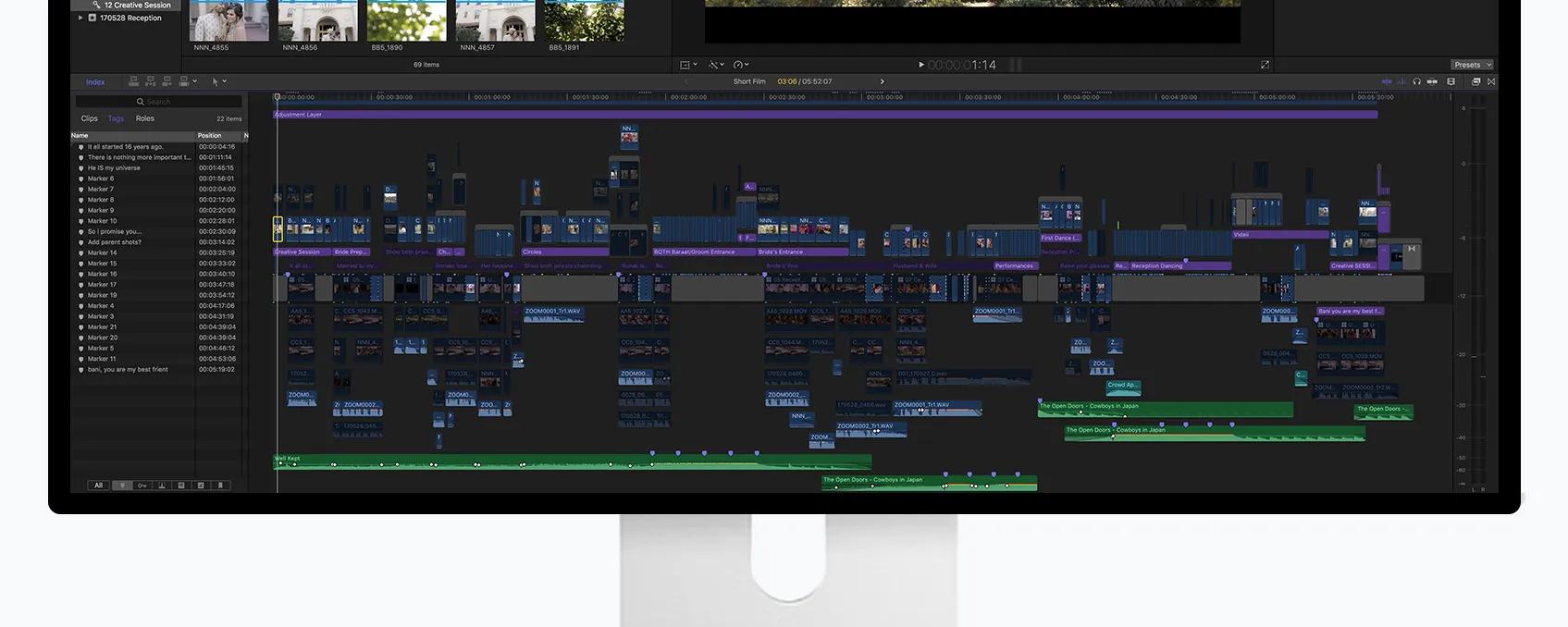
Highest pixel density provides the best display of loaded applications. More information in one workspace, while maintaining the finest details. The G27X SE features a plastic chassis that provides durability and a lightweight design, with a glossy anti-glare coating for clarity and protection.
Your projects will become brighter.
The typical brightness of most ordinary desktop monitors is about 300 nits. G27X SE supports constant brightness up to 450 nits over the entire screen space, which allows you to achieve maximum brightness without any dimming.
sustained brightness
contrast
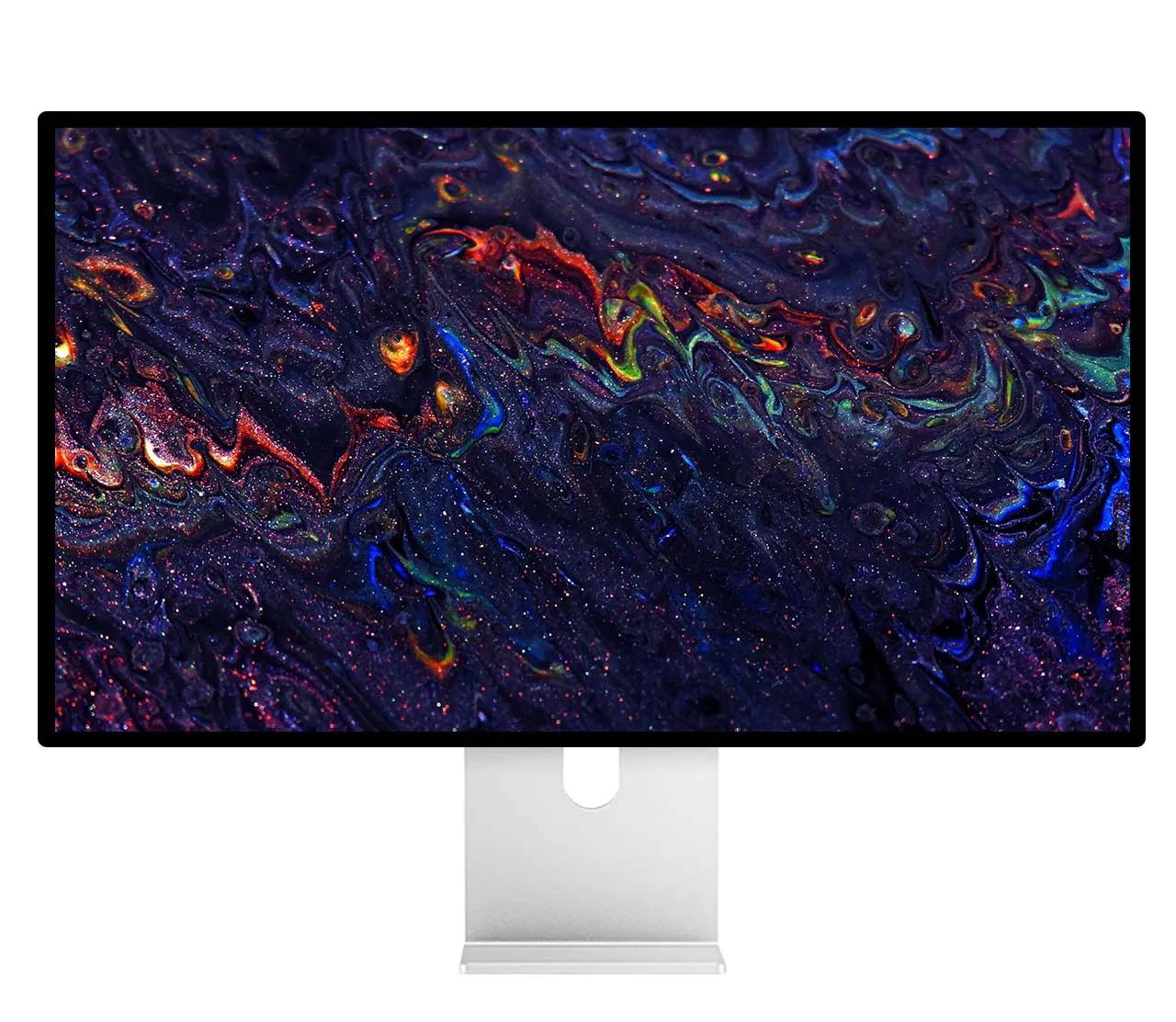
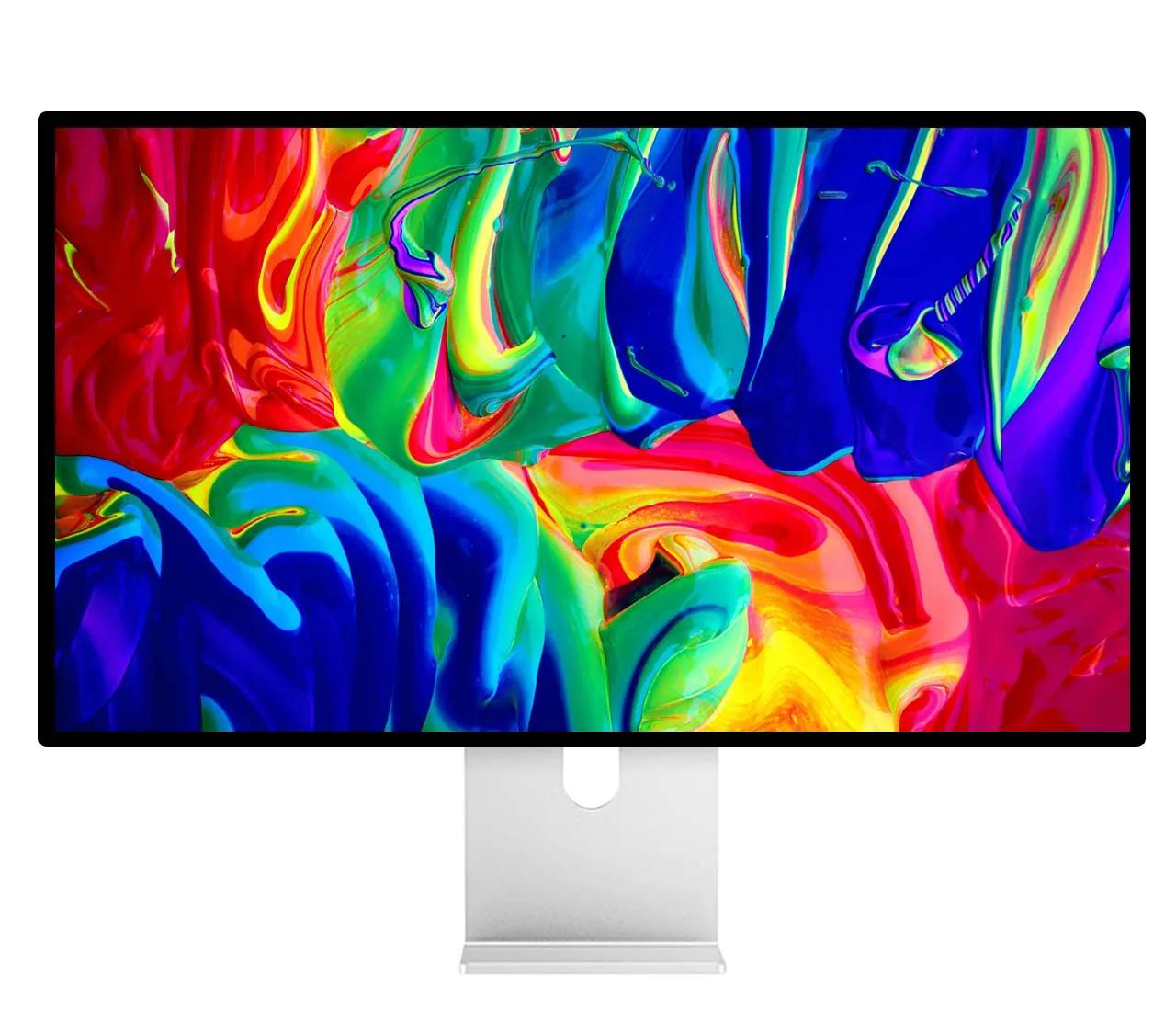
Color that makes a statement.
G27X SE displays your work's true colors. P3 wide color gamut provides a color palette capable of creating the most vibrant imagery.With over a billion colors, your work is presented in outstanding detail and with complete accuracy. Advanced calibration technology and a complex color algorithm deliver the highest level of color accuracy.
wide color gamut
High Dynamic Range

Brightness control from the operating system.
Kuycon G27X SE supports the DDC/CI protocol, allowing you to adjust brightness directly from your device using system keys or tray menu without the need for a remote control.
We recommend MonitorControl for macOS, and for Windows - Twinkle Tray and Monitorian. More detailed information and download links are available at kuycon.us/brightnesscontrol.
Note: If your device does not support the DDC/CI protocol, use the monitor menu for brightness adjustment, accessible via the remote control included in the package.
Brightness control from the operating system.
Kuycon G27X SE supports the DDC/CI protocol, allowing you to adjust brightness directly from your device using system keys or tray menu without the need for a remote control.
We recommend MonitorControl for macOS, and for Windows - Twinkle Tray and Monitorian. More detailed information and download links are available at kuycon.us/brightnesscontrol.
Note: If your device does not support the DDC/CI protocol, use the monitor menu for brightness adjustment, accessible via the remote control included in the package.
Why kuycon.us is the best
place to buy Kuycon monitors.
Authorized in
the United States.
kuycon.us is the official Kuycon dealer in the United States. Buy with confidence from a trusted source.

Full warranty
coverage.
Comprehensive warranty coverage for all products bought directly from us. We ensure a hassle-free experience.

Extra quality
check.
Every order undergoes additional quality inspection before shipping to ensure the best possible experience.

Monitor experts
at your service.
Our team consists of monitor specialists who can help you choose the perfect display for your needs.

Ships everywhere
you need.
Fast shipping across the globe via only the most trusted carriers. Secure packaging guaranteed.

Multiple ways
to buy.
We support payments in multiple currencies and various secure payment methods. Contact us for more information.

Price match
available.
Found a lower price elsewhere? Contact us and we'll check if we can match it.