Kuycon P27Z
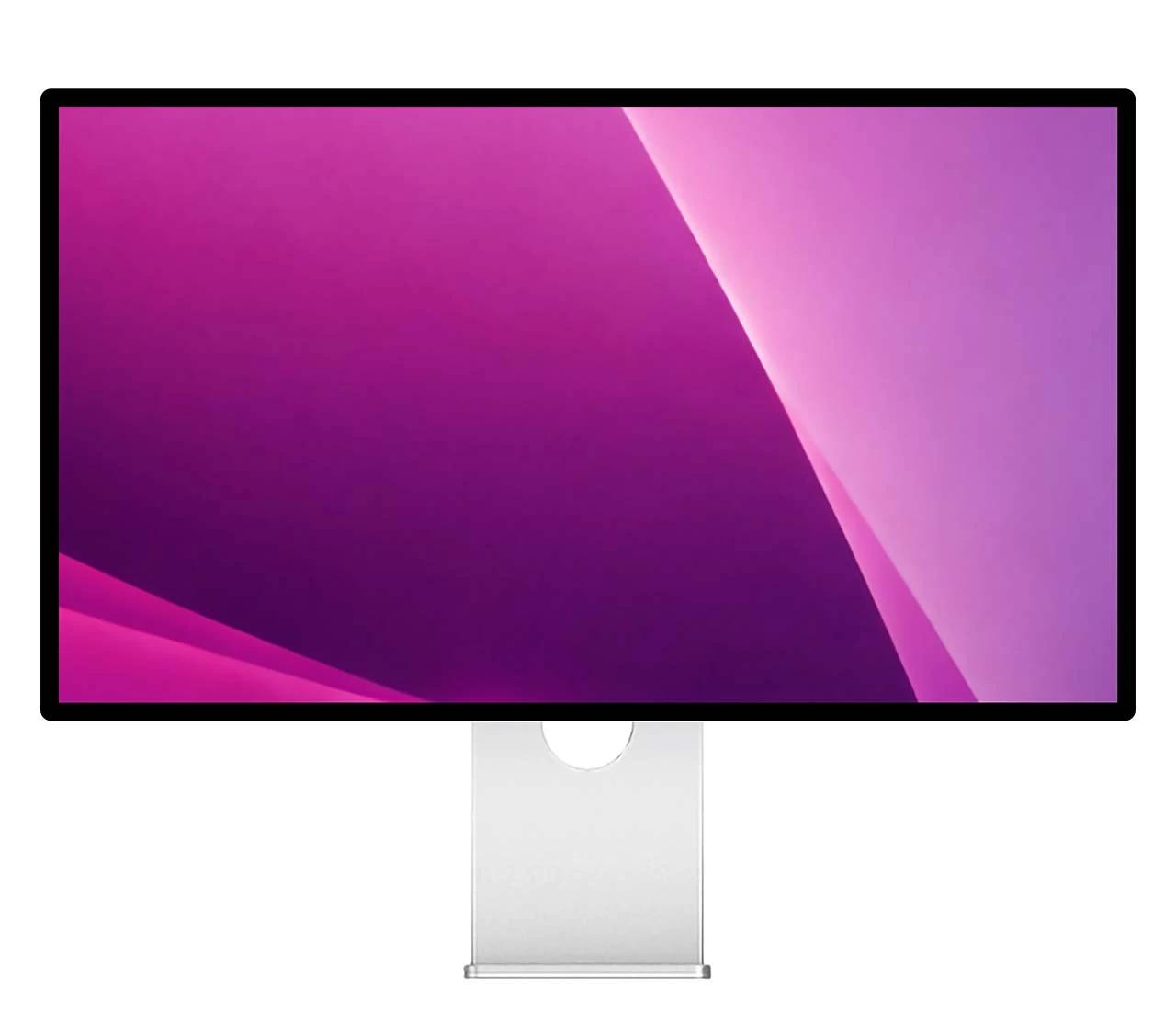
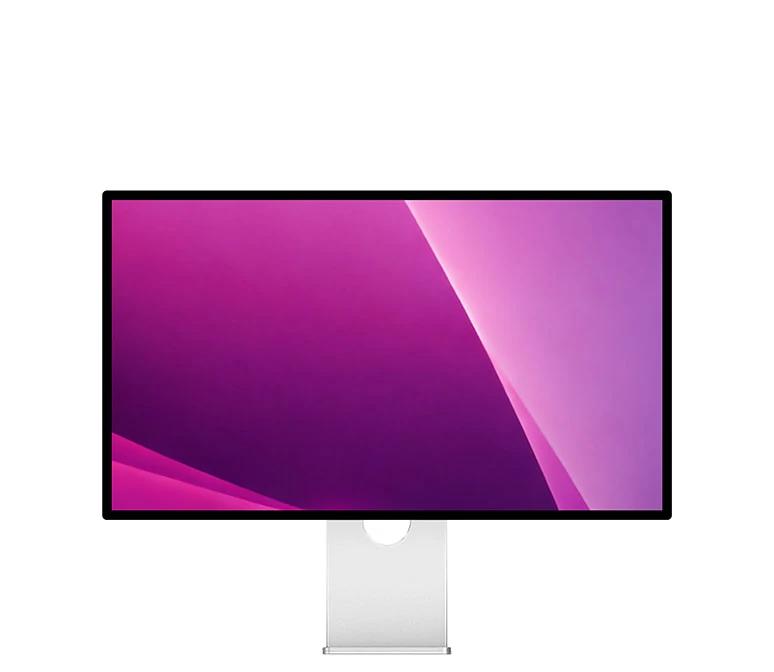
27-inch 5K5K display
Up to 180 Hz180 Hz
Or 330 Hz330 Hz at 1440p for esports
Up to 600 nits600 nits brightness
218 PPI218 PPI pixel density, ideal for Mac users
Over a billion colorsa billion colors tuned for accuracy
Housed in aluminum and glassaluminum and glass
from $1 399
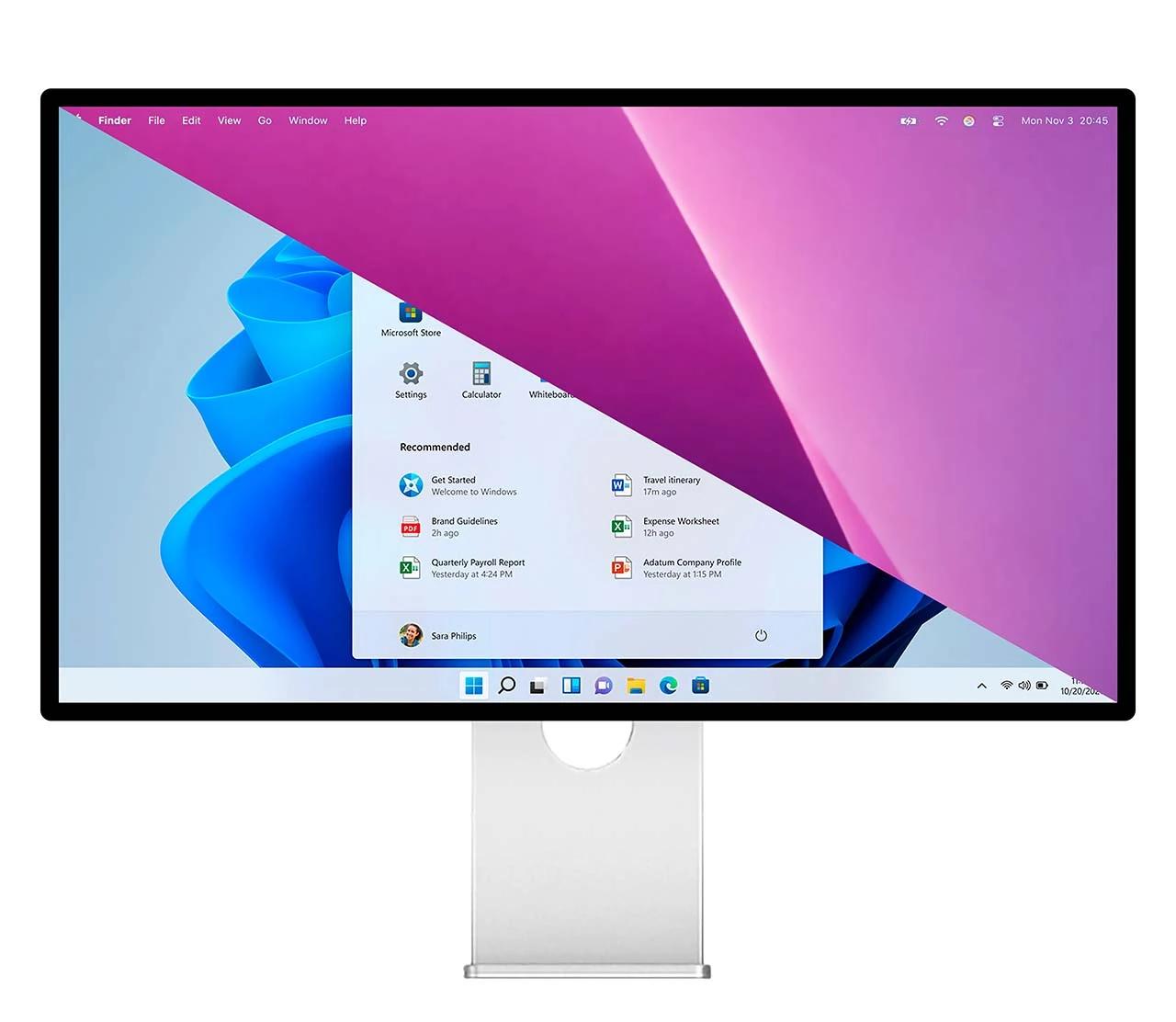
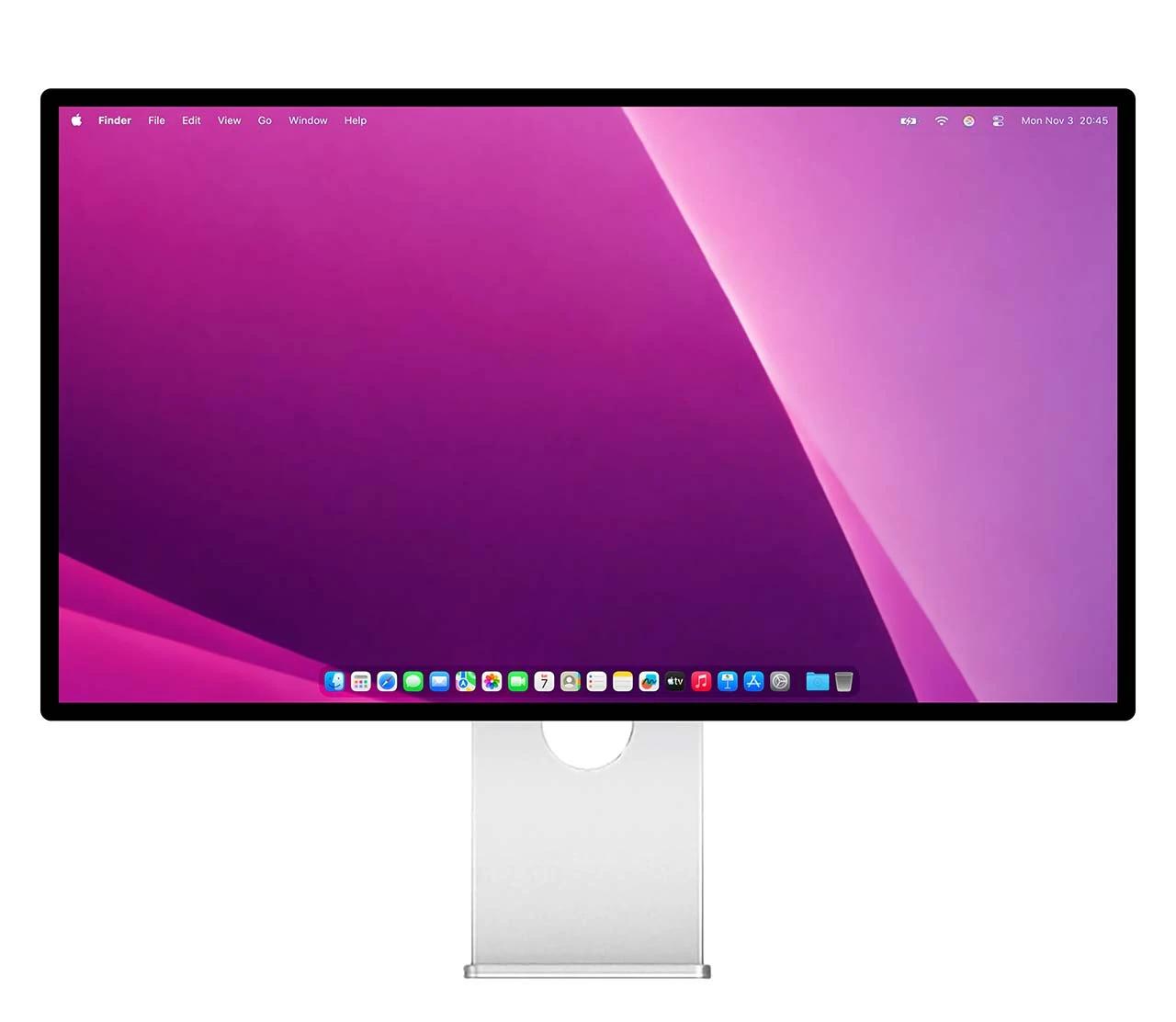
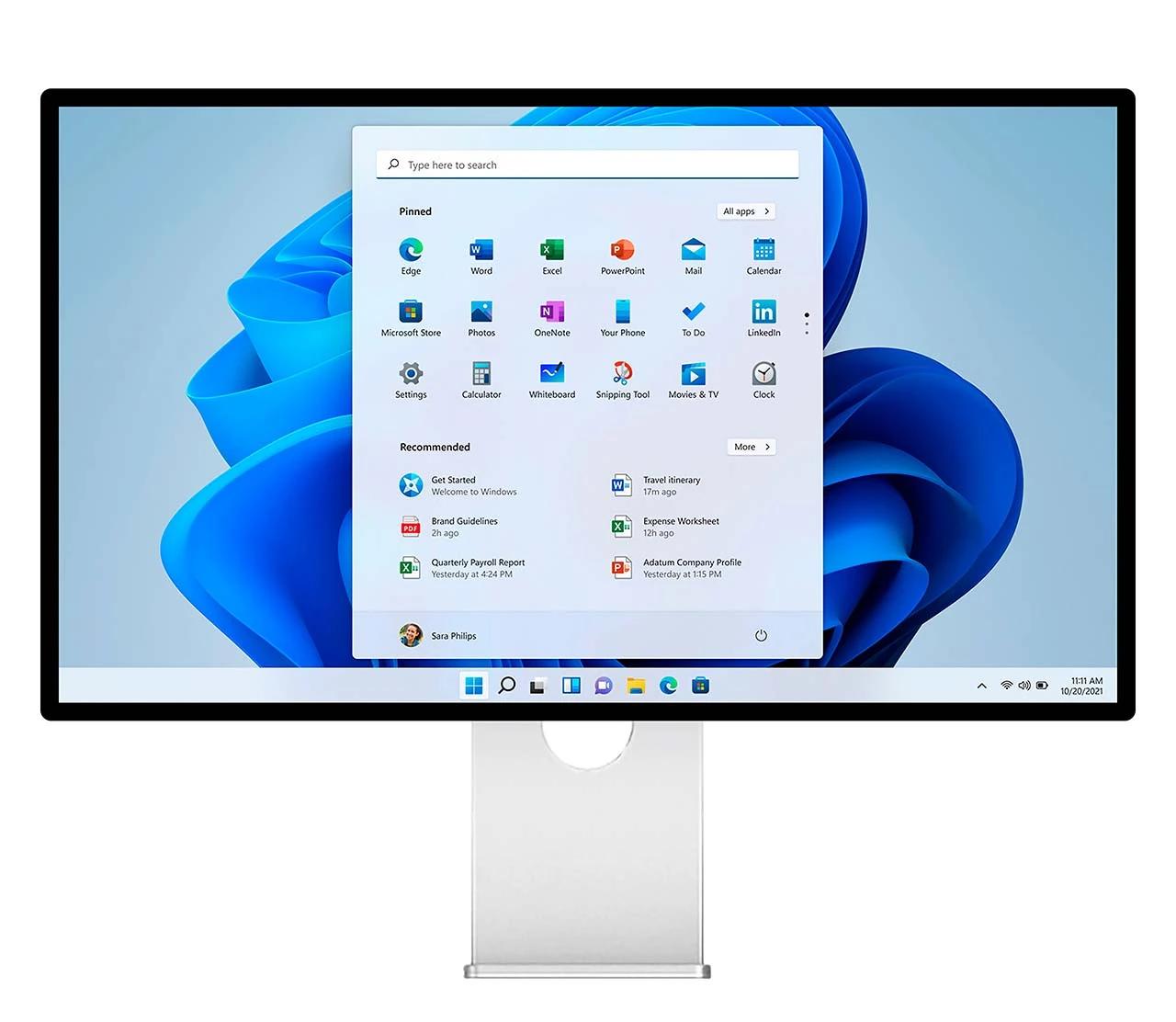
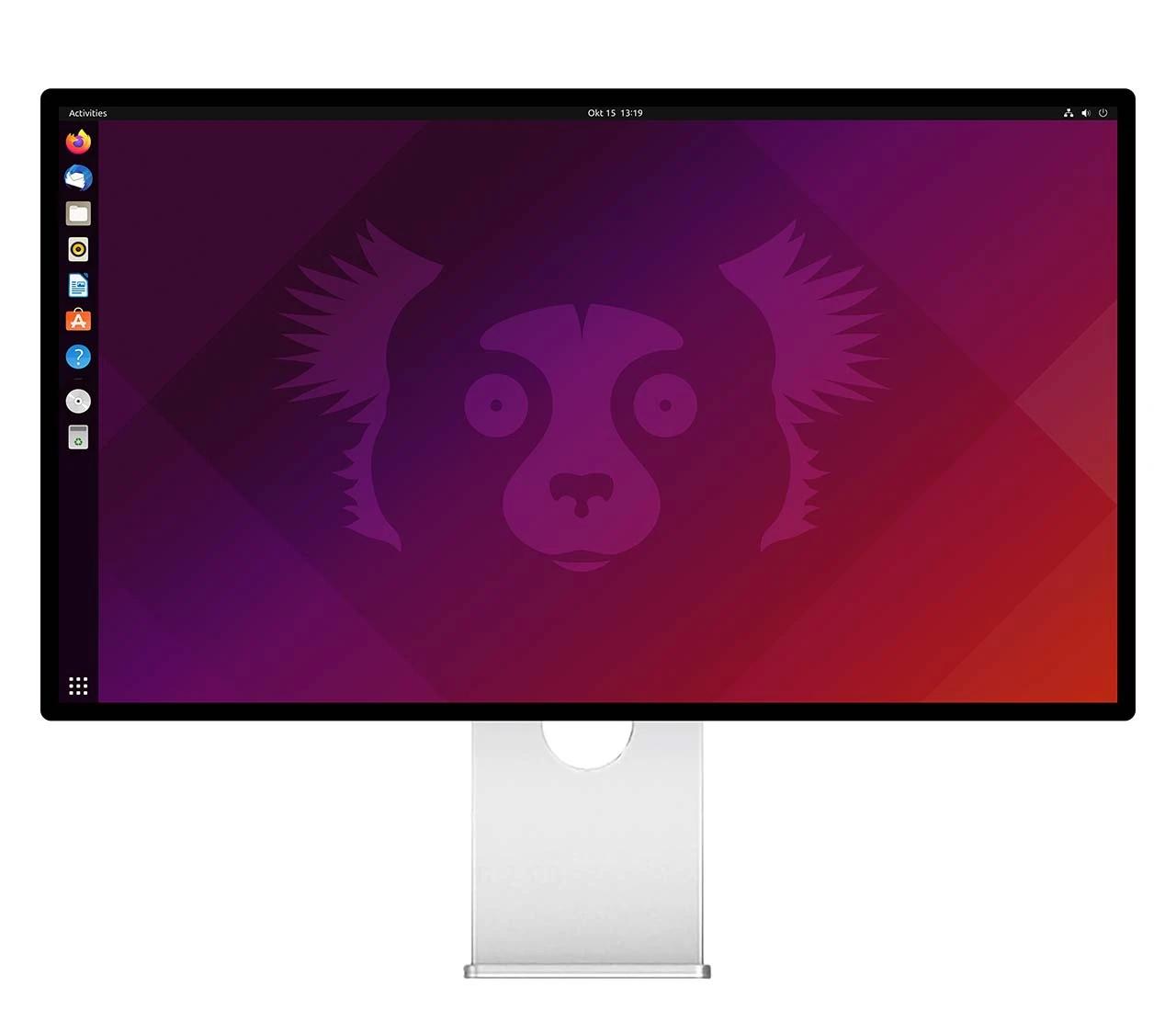
BuyPlug in, regardless of OS.
A single USB-C cable carries 5K video, USB data, and up to 100W PowerDelivery to your Mac, PC, or Linux workstation.
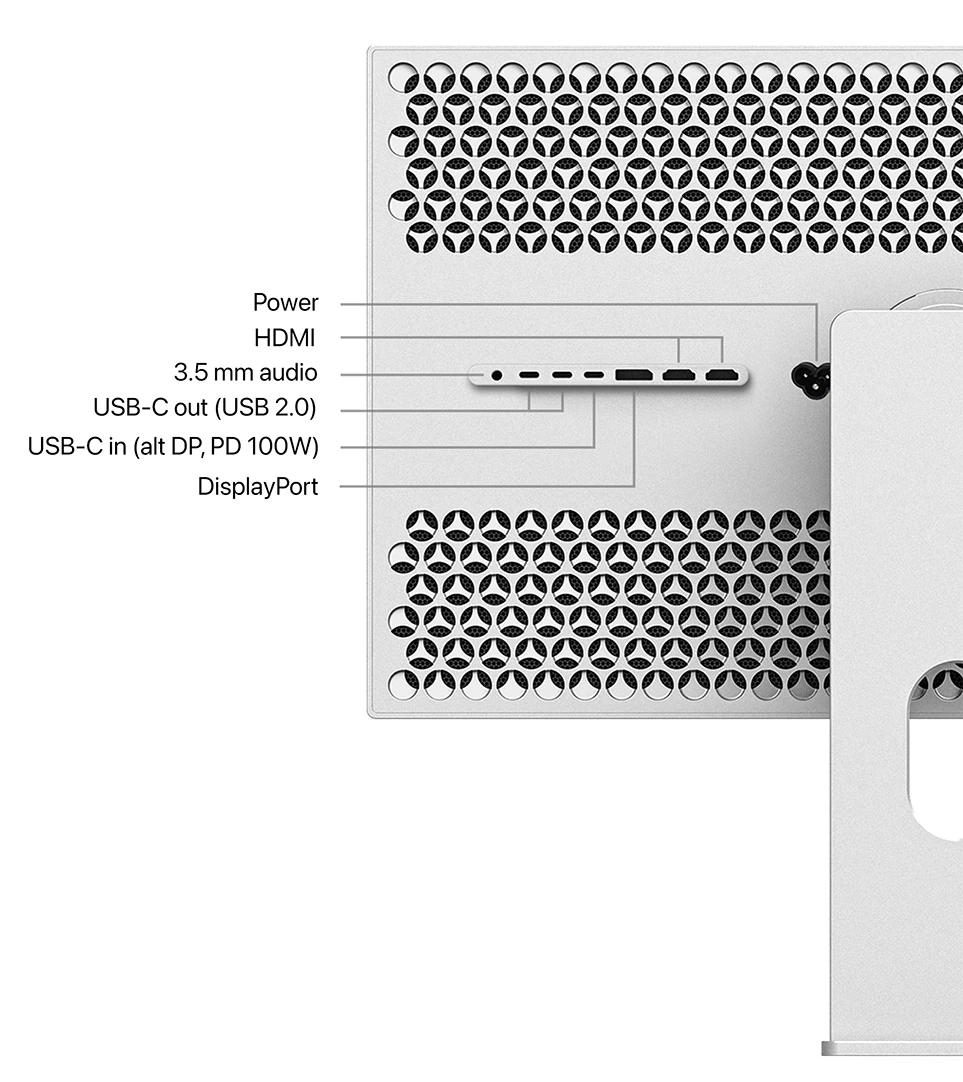
Every input you want, no dongles.
One USB-C upstream carries 5K, USB data, and up to 100 W PowerDelivery — Thunderbolt 4/5 and USB4 compatible. Refresh tops out at 165 Hz on Mac with M4 / M5; M1–M3 and Intel-based Mac computers (2020 or later) run 5K at 60 Hz over the same cable. DisplayPort 2.1 UHBR20 drives native 5K at 180 Hz on a PC with a compatible GPU.
Every input you want, no dongles.
One USB-C upstream carries 5K, USB data, and up to 100 W PowerDelivery — Thunderbolt 4/5 and USB4 compatible. Refresh tops out at 165 Hz on Mac with M4 / M5; M1–M3 and Intel-based Mac computers (2020 or later) run 5K at 60 Hz over the same cable. DisplayPort 2.1 UHBR20 drives native 5K at 180 Hz on a PC with a compatible GPU.
One switch. Two experiences.
Edit in native 5K at up to 180 Hz. Flip to 2560 × 1440 at up to 330 Hz when a competitive shooter demands every single frame. Top refresh requires DisplayPort 2.1 — see compatibility.
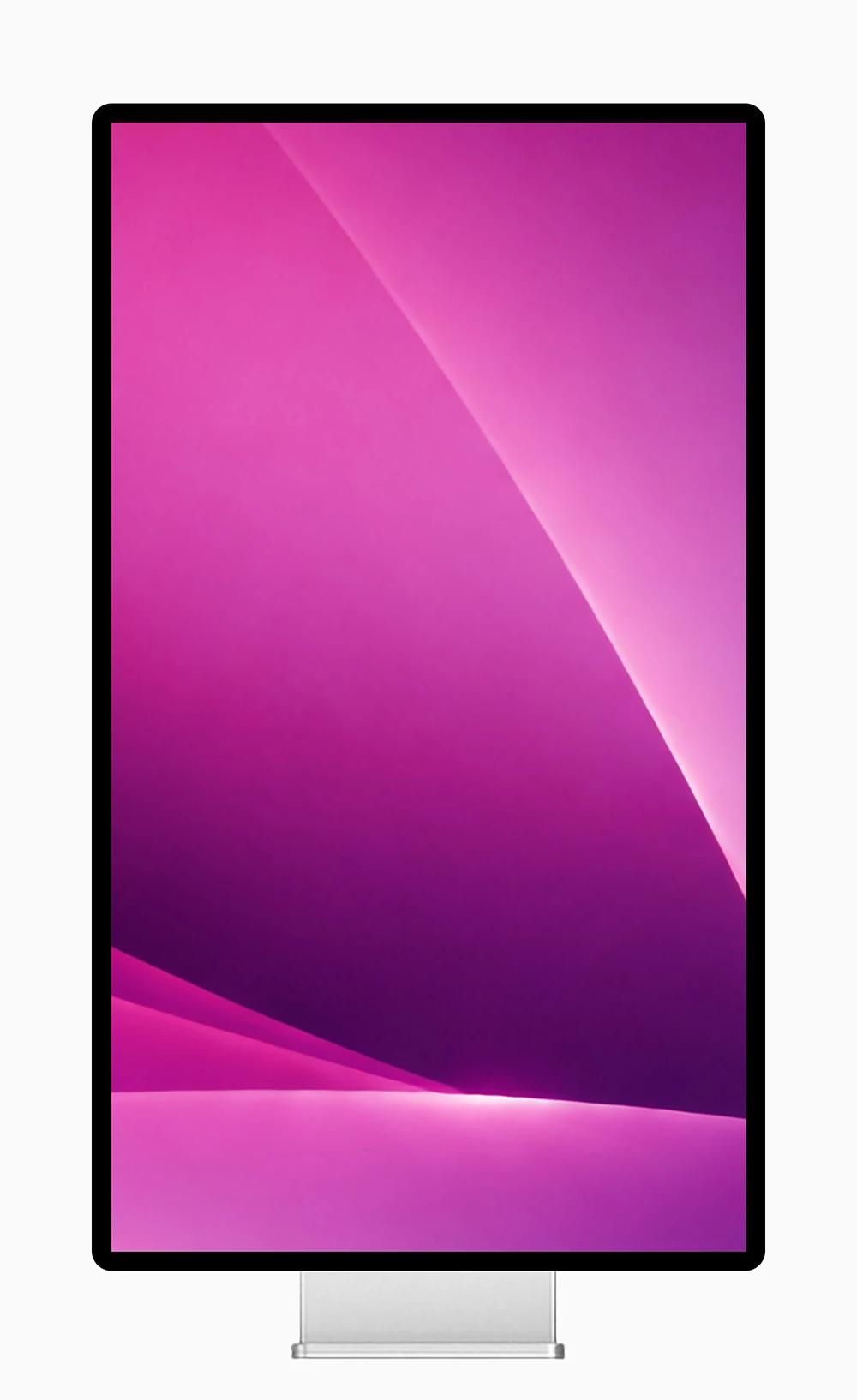
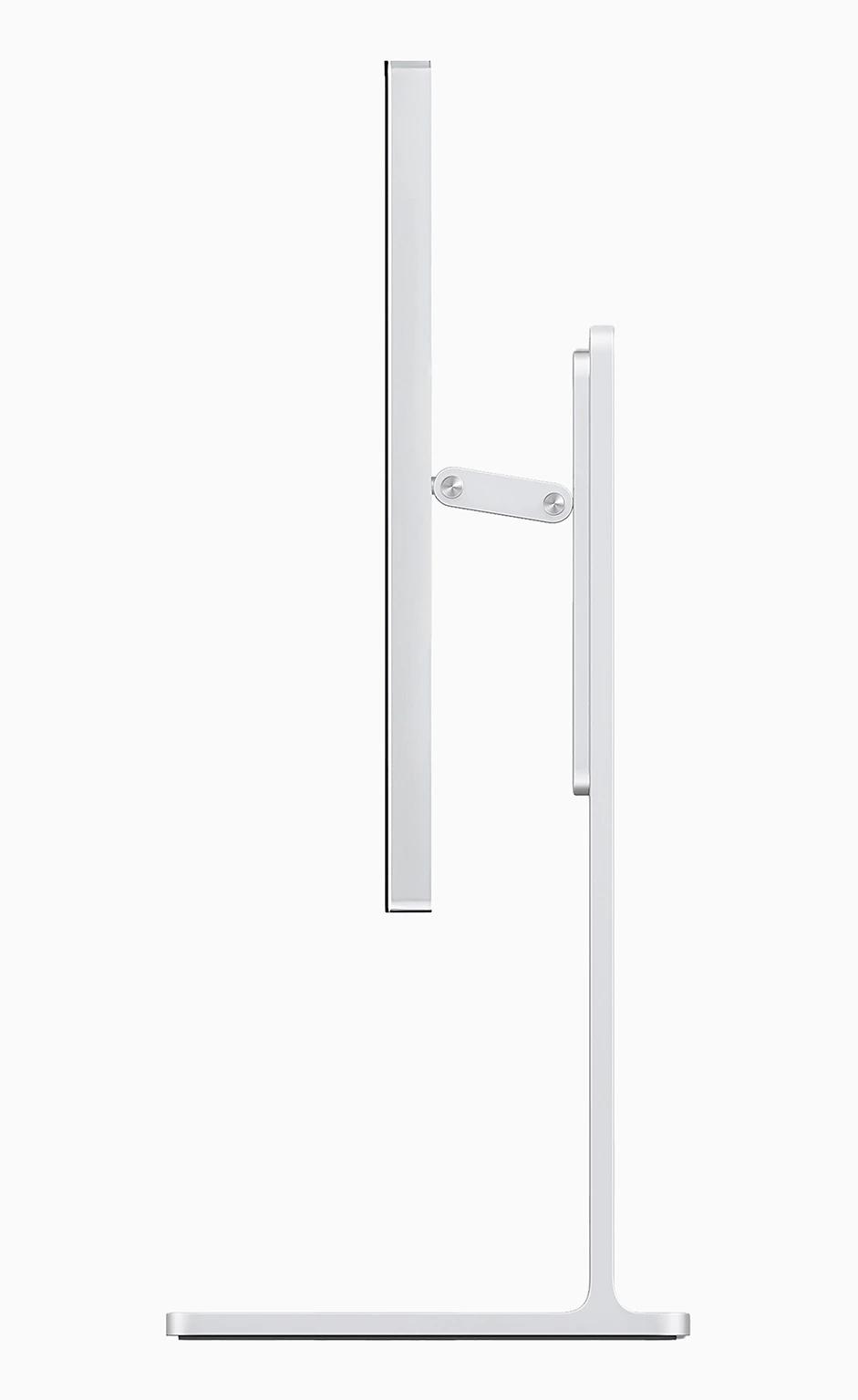
Height, tilt and swivel adjustable stand.
Kuycon Stand lets you adjust tilt, swivel, height and rotate the monitor into portrait. The stand is sold separately — every Kuycon P27Z ships with a VESA 100 × 100 adapter so you can mount it on any compatible arm or wall bracket.
- Tilt −5° to 20°
- Swivel ±30°
- Height up to 120 mm
- Portrait rotation 90°
- VESA 100×100 adapter included
Contrast is the difference between the brightest and darkest parts of an image — a challenge to reproduce on a display, which led to the development of High Dynamic Range (HDR). With advanced IPS display technology, Kuycon P27Z takes brightness, contrast and color to a new level.

Deep blacks, controlled highlights.
Typical desktop monitors sustain around 300 nits. Many professional displays exceed that briefly, but drop back the moment a bright scene lingers. P27Z holds 600 nits of full-screen sustained brightness — deep, controlled highlights that never flinch — and pairs them with a 1500:1 contrast ratio for real depth in shadow.
Deep blacks, controlled highlights.
Typical desktop monitors sustain around 300 nits. Many professional displays exceed that briefly, but drop back the moment a bright scene lingers. P27Z holds 600 nits of full-screen sustained brightness — deep, controlled highlights that never flinch — and pairs them with a 1500:1 contrast ratio for real depth in shadow.
Sustained full-screen
Contrast ratio
VESA certified

A billion colors, honestly reproduced.
Every Kuycon P27Z leaves the factory with per-unit color calibration, so the image you see matches the one your editor intends. Over a billion 10-bit colors, a wide gamut that spans 99% of sRGB and 98% of DCI-P3, and subtle gradients that hold their shape — no banding, no shifts across the panel. Photography, grading, and brand work all render the way they were meant to.
A billion colors, honestly reproduced.
Every Kuycon P27Z leaves the factory with per-unit color calibration, so the image you see matches the one your editor intends. Over a billion 10-bit colors, a wide gamut that spans 99% of sRGB and 98% of DCI-P3, and subtle gradients that hold their shape — no banding, no shifts across the panel. Photography, grading, and brand work all render the way they were meant to.
Color depth (FRC)
Wide color gamut

Adjust from your keyboard.
DDC/CI protocol lets your OS drive brightness directly. On Mac use the built-in F1/F2 keys; on Windows, TwinkleTray or MonitorControl; on Linux, ddcutil.
Questions, answered.
ddcutil, no vendor drivers required.Why kuycon.us is the best
place to buy Kuycon monitors.
Authorized in
the United States.
kuycon.us is the official Kuycon dealer in the United States. Buy with confidence from a trusted source.

Full warranty
coverage.
Comprehensive warranty coverage for all products bought directly from us. We ensure a hassle-free experience.

Extra quality
check.
Every order undergoes additional quality inspection before shipping to ensure the best possible experience.

Monitor experts
at your service.
Our team consists of monitor specialists who can help you choose the perfect display for your needs.

Ships everywhere
you need.
Fast shipping across the globe via only the most trusted carriers. Secure packaging guaranteed.

Multiple ways
to buy.
We support payments in multiple currencies and various secure payment methods. Contact us for more information.

Price match
available.
Found a lower price elsewhere? Contact us and we'll check if we can match it.

Still have questions? Just ask.
Contact Us
© 2023-2026 Kuycon
Kuycon L.L.C-FZ
Dubai, U.A.E.










Official US Store
Kuycon® monitors in the United States are available through kuycon.us.
Verified Kuycon domains:
- kuycon.us — United States - operated by Kuycon L.L.C-FZ
- kuycon.ae — UAE, Middle East & North Africa - operated by Kuycon L.L.C-FZ
- kuycon.it — Official European Union site - operated by MMG Service Srl
- kuycon.jp — Japan - operated by Kuycon L.L.C-FZ
- kuycon.nz — New Zealand & Australia
- kuycon.sg — Singapore & Southeast Asia - operated by Kuycon L.L.C-FZ
Note: kuyconmonitors.com is not an official global/regional Kuycon website and operated by a third party.
For more details, see /official-websites.
Thunderbolt and the Thunderbolt logo are trademarks of Intel Corporation.
USB Type-C®, USB-C® and USB4® are registered trademarks of USB Implementers Forum.
HDMI, High-Definition Multimedia Interface, and the HDMI Logo are trademarks or registered trademarks of HDMI Licensing Administrator, Inc.
DisplayPort™ and the DisplayPort™ logo are trademarks owned by the Video Electronics Standards Association (VESA®).
Windows and Xbox are trademarks of Microsoft Corporation.
PlayStation and PS5 are trademarks of Sony Interactive Entertainment Inc.
Nintendo Switch is a trademark of Nintendo.
Linux® is the registered trademark of Linus Torvalds.
LG and Nano IPS are trademarks of LG Electronics, Inc. and/or LG Display Co., Ltd.
NVIDIA, GeForce, GTX and RTX are trademarks of NVIDIA Corporation.
AMD, Ryzen and Radeon are trademarks of Advanced Micro Devices, Inc.
All other product names, logos, and brands are property of their respective owners. Use of these names does not imply endorsement.